
Class-style names
Component formatting
Copy or download result

PascalCase Converter Online

Convert text to PascalCase instantly. Paste words, labels, headings, field names, or copied text and create clean class-style names for components, types, constructors, and code projects.

Convert to

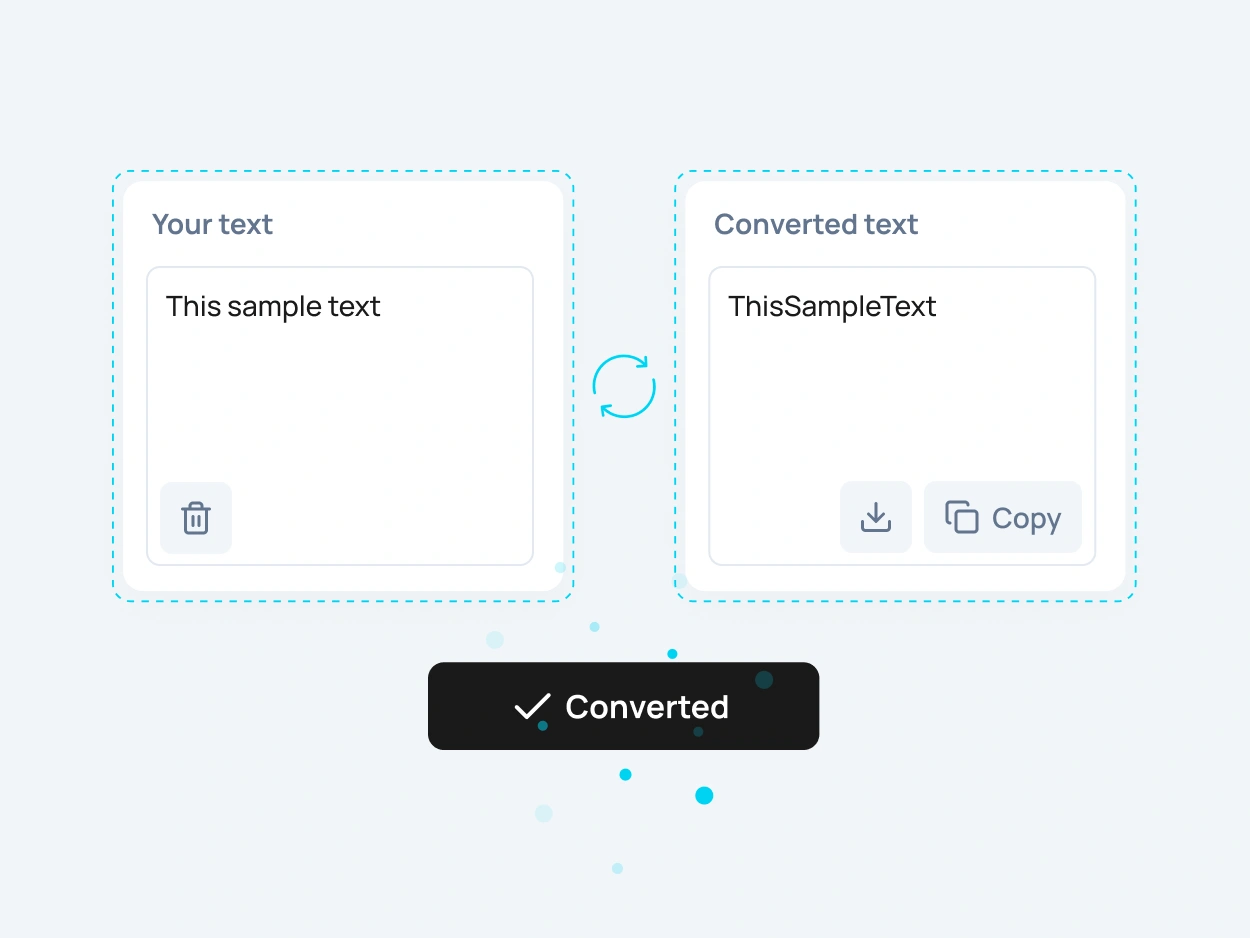
PascalCase converter example showing text changed to PascalCase formatting

What Is PascalCase?

PascalCase is a naming style where words are joined together without spaces and every word starts with a capital letter. For example, “sample text example” becomes “SampleTextExample”.

A PascalCase converter helps you turn regular text into a clean programming-style format. Instead of removing spaces and capitalizing each word manually, you can paste your text and create a PascalCase result for class names, component names, type names, and structured code identifiers.
When Should You Use PascalCase?

PascalCase is useful when you need names that look structured, readable, and suitable for code. It is commonly used for classes, components, constructors, interfaces, types, enums, models, schemas, and reusable code blocks.

You can also use PascalCase when naming React components, Vue components, Angular classes, TypeScript types, API models, design system components, and internal project structures. It makes multi-word names easier to scan while keeping them compact and consistent.

PascalCase for Classes, Types and Components

Class Names

Use PascalCase for class names when you want each object, model, or structure to have a clear and readable name. Examples include UserProfile, ProductCard, OrderDetails, and PaymentMethod.

Component Names

PascalCase is commonly used for frontend components in modern frameworks. Names like HeaderMenu, ContactForm, PricingCard, and UserAvatar are easier to recognize as reusable interface parts.

Type and Interface Names

Use PascalCase for TypeScript types, interfaces, enums, schemas, and data models. This helps separate structured types from regular variables and smaller values inside your code.

Constructors and Models

PascalCase is also useful for constructors, model names, API entities, database models, validation schemas, and other high-level identifiers that represent larger code structures.

PascalCase Converter for Class and Component Names

Use this PascalCase converter to change words, phrases, headings, labels, and copied text into PascalCase formatting. It works well for short names, long field labels, technical phrases, interface names, and structured naming patterns.

This tool is helpful when you need to convert text to PascalCase before adding it to a codebase, component library, API schema, documentation file, or development project. It gives you a cleaner starting point for consistent naming without editing every word by hand.

How to Convert Text
to PascalCase Online

To convert text to PascalCase online, paste your text into the input field, choose the PascalCase option, and copy the converted result. The tool removes spaces and formats each word with a capital letter.

This is useful when you need to create class names, component names, interface names, type names, API models, constructors, schemas, or other structured identifiers without manually editing every word.

More Case Converter Tools

Need another text format? Explore related case converter tools and choose the best option for your content.

slug-case

slug-case converts text into a clean URL-friendly format with lowercase words separated by hyphens. It is useful for slugs, URLs, filenames, and SEO-friendly page paths.

camelCase

camelCase removes spaces and joins words while keeping the first word lowercase and capitalizing the next words. It is commonly used in JavaScript, variables, functions, and code.

snake_case

snake_case converts text into lowercase words separated by underscores. It is useful for database fields, filenames, variables, API keys, and technical naming.

CONSTANT_CASE

CONSTANT_CASE converts text into uppercase words separated by underscores. It is often used for constants, configuration values, environment variables, and fixed code values.

FAQ

A PascalCase converter is an online tool that changes regular text into PascalCase. It helps you create clean class names, component names, type names, constructors, models, and structured code identifiers.

PascalCase is a naming style where words are joined together and each word starts with a capital letter. For example, “sample user profile” becomes “SampleUserProfile”.

Paste your text into the tool, choose the PascalCase format, and copy the converted result. You can convert labels, headings, field names, phrases, and copied text to PascalCase in one click.

PascalCase is often used for class names, component names, constructors, type names, interfaces, enums, models, schemas, and other high-level identifiers in programming.

Yes. You can change snake case to PascalCase by converting names like user_profile_data into UserProfileData. This is useful for code migration, API models, database fields, and imported technical names.

No. PascalCase starts every word with a capital letter, such as SampleText. camelCase starts with a lowercase first word, such as sampleText. Both are naming styles related to camel case, but they are used in different coding situations.

Yes. PascalCase is commonly used for React component names, as well as many frontend components, UI blocks, classes, types, and reusable interface elements.

PascalCase joins words together and capitalizes each word, like SampleTextExample. snake_case separates lowercase words with underscores, like sample_text_example.

Yes. The PascalCase converter is free to use online and does not require registration.

Yes. After converting your text, you can copy the PascalCase result or download it as a text file for use in your code editor, documentation, CMS, spreadsheet, API schema, or development project.