Website placeholder text gives unfinished sections a clear purpose while real copy is still being prepared. Use temporary headings, paragraphs, testimonials, FAQs, or contact details to show what will appear in each area. This makes early pages easier to review and helps everyone understand the intended content structure before final wording is added.
Placeholder Text Examples – Copy & Paste
Copy ready-made placeholder text for website sections, wireframes, and prototypes, with samples for paragraphs, headlines, FAQs, testimonials, contacts, and more in one place.
Short paragraphs
Medium paragraphs
Sentences
Headlines
Contact details
Testimonials
“Lorem ipsum laoreet magnis diam adipiscing laborum ipsum euismod scelerisque ipsam quam ipsum libero natoque. Nonummy sem interdum porttitor ullamcorper mauris pulvinar ultricies luctus nulla nemo reprehenderit aperiam beatae ipsum.”
Sarah M.
“Praesent dapibus anim explicabo laborum egestas pariatur erat egestas sociis lectus sit placerat deserunt aperiam. Orci cupidatat ornare architecto deserunt metus aenean error posuere natoque irure malesuada eros consectetuer aspernatur laborum nisl.”
Michael R.
“Integer vitae irure aliquam nemo senectus accusantium luctus tortor venenatis nisl pretium inventore. Fames deserunt fugiat semper consequat metus gravida cupidatat lorem ligula omnis convallis. Dolore tempus orci gravida habitant feugiat convallis.”
Emma L.
FAQ
Magna iaculis lectus iaculis luctus nunc officia leo neque tempus. Accusantium explicabo tempor convallis velit eleifend felis nulla neque tempus potenti ultricies. Facilisis egestas malesuada consectetuer venenatis mollit veritatis gravida bibendum feugiat.
Fames mollis rutrum felis consequat tincidunt fringilla duis auctor accusantium. Eros vulputate laoreet dapibus fames nibh consequat culpa auctor phasellus mauris lorem. Arcu porta aenean fugit pharetra facilisis faucibus aliquet phasellus primis ridiculus.
Porta luctus ultricies arcu scelerisque anim varius odio natus primis feugiat pharetra nonummy tortor condimentum. Reprehenderit vulputate risus ultricies metus error libero laudantium tellus elementum etiam justo felis convallis risus potenti diam.
Vestibulum posuere morbi voluptatem dicta libero potenti facilisis accumsan dolor ultricies hendrerit orci malesuada tincidunt. Diam cupidatat consectetur quisque natus convallis massa sollicitudin porta pede consequat parturient libero lectus volutpat netus.
Placeholder Text Examples
for Website Sections
Hero Copy
Use temporary headlines and supporting copy to shape hero sections before final messaging is ready, so the page still feels complete and the content hierarchy is easy to review.
Service Sections
Add sample titles and descriptions to service blocks, feature grids, or product areas so spacing, structure, and repeated content can be reviewed before final copy arrives.
Testimonials
Use sample review text, names, and supporting details to build testimonial cards or sliders without waiting for approved customer quotes or finalized social proof content.
FAQ Content
Add sample questions and answers to accordions and help sections so the layout has realistic content structure before the final responses are written, reviewed, and approved.
Contact Details
Fill contact areas with temporary names, emails, phone numbers, addresses, and hours so forms, profiles, and business details can be designed with more realistic content.
Body Content
Use placeholder paragraphs in articles, introductions, and larger website sections to represent future body copy while the page structure and content flow are still taking shape.
Product Descriptions
Use temporary product copy to fill cards, category pages, and product sections so you can review content length, spacing, and layout before final descriptions are ready.
About & Team Sections
Add sample bios, company introductions, and supporting text to About or team sections so the page feels complete while approved brand content is still being prepared.
Website Placeholder Text
for Unfinished Pages
From Wireframe to Prototype
with Placeholder Text
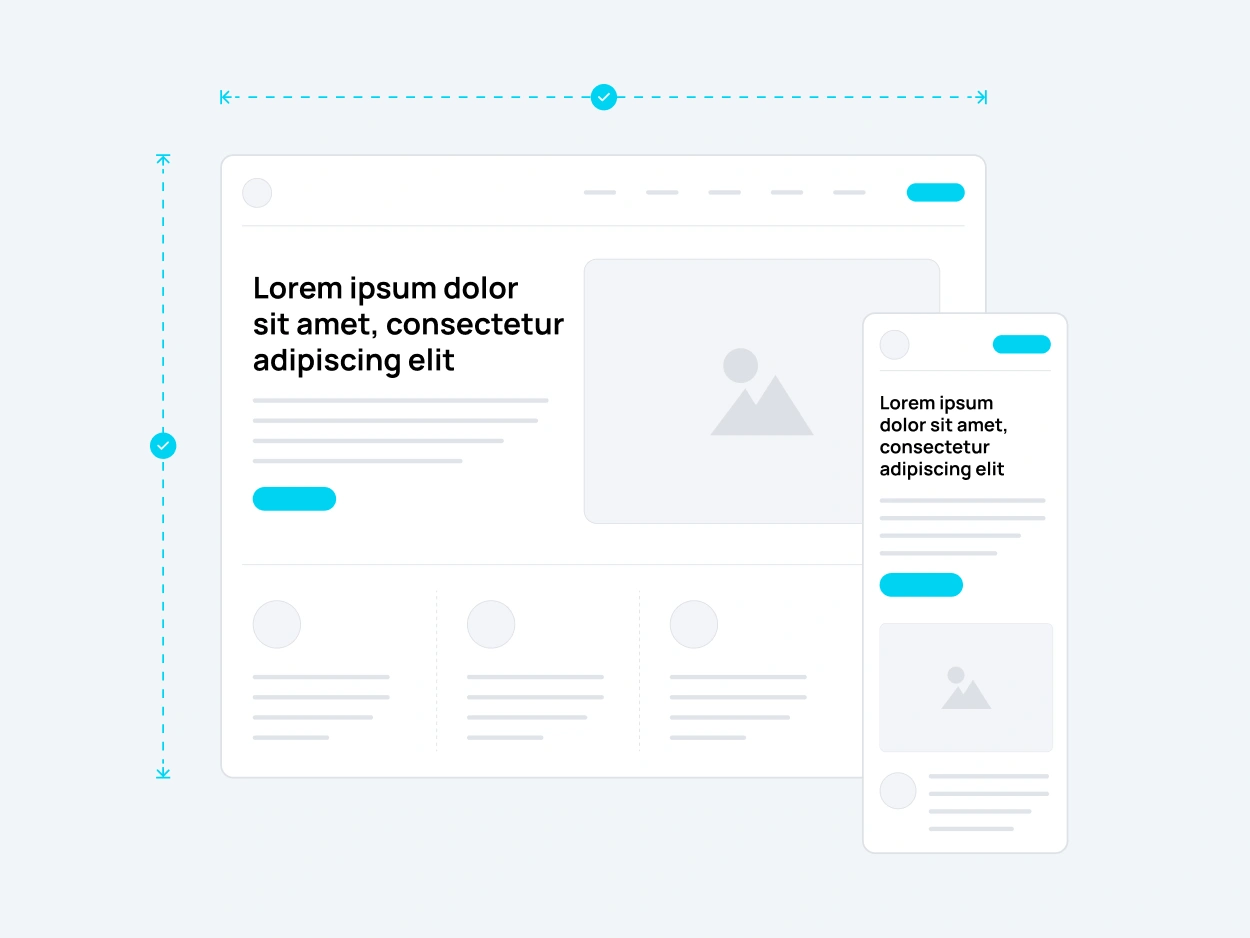
A wireframe can show where content belongs, but real text changes how the page feels. Add a placeholder text sample as the design moves from rough blocks to a working prototype. Headings begin to wrap, paragraphs create real vertical rhythm, and repeated sections become easier to judge. This gives the team a clearer preview before approved copy is available.
Realistic Placeholder Text
with Real Words
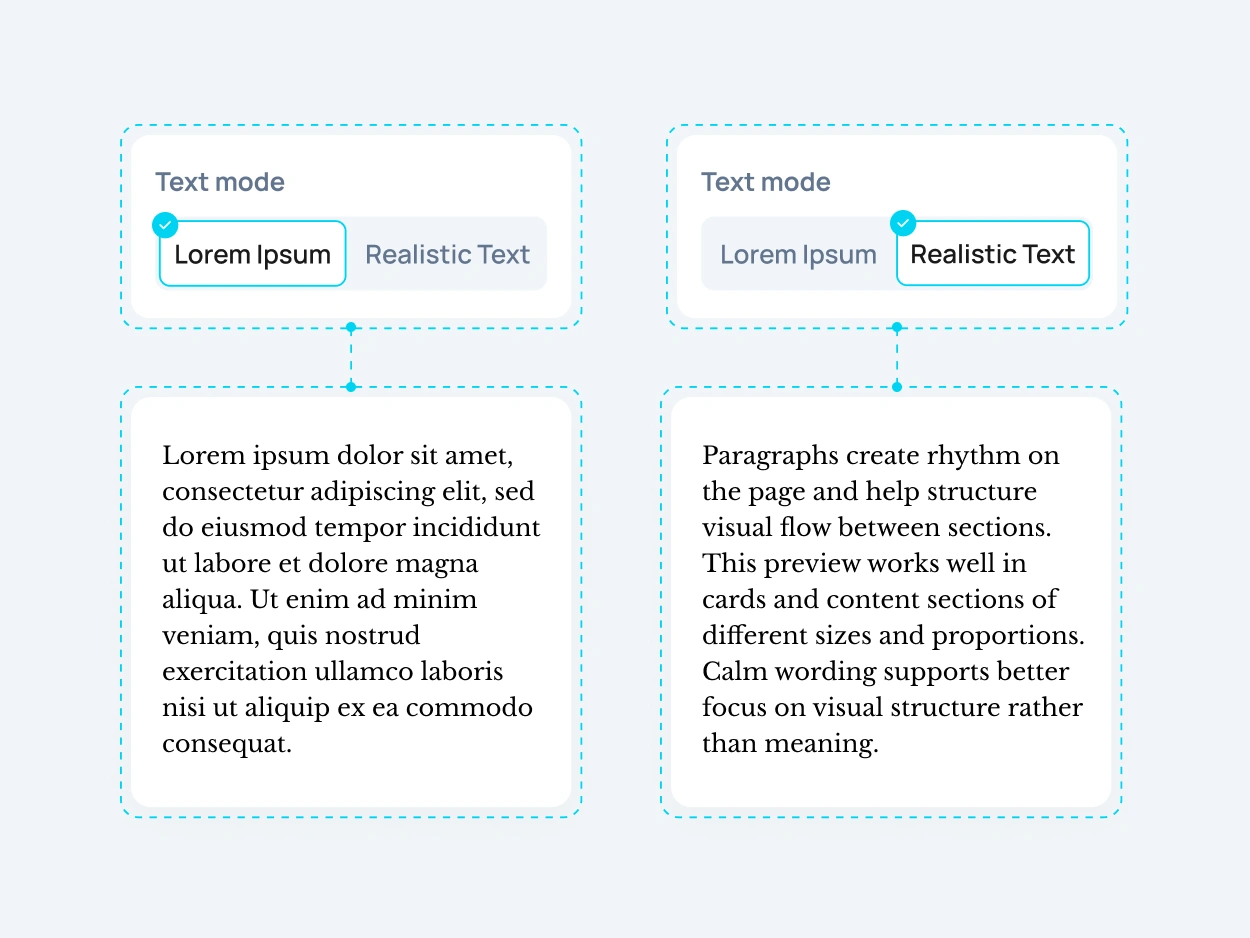
Switch to Realistic Mode when generic filler feels too artificial. Loremkit uses neutral real words to create more natural sample content, with realistic sentence structure, punctuation, and word lengths. The mode supports 22+ languages, making it useful for localized websites and interfaces where language can change spacing, wrapping, and the overall balance before translated copy is finalized.
Prefer readable sample content? Explore the Lorem Ipsum Alternative.
Plan Website Content
with Placeholder Text
Placeholder text can work as a simple content brief while a page is still taking shape. A sample heading shows the expected hierarchy, a short description suggests the amount of supporting copy, and a placeholder paragraph gives writers a clear sense of the space available. This helps designers, developers, and content teams work from the same structure, even when the final wording is still being written, reviewed, approved, or prepared for launch.
Copy Placeholder Text
or Generate a Custom Amount
Ready-made samples are fastest when you already know what kind of content belongs in a section. Copy a suitable block and keep building. If the layout calls for a specific number of words, sentences, or paragraphs, use the Placeholder Text Generator for more control. The two options support different workflows, so you can move quickly without forcing one sample to fit every section or stopping to rewrite temporary copy.
FAQ
Placeholder text is temporary copy used before final content is available. It can represent headlines, paragraphs, testimonials, FAQs, contact details, and other parts of a website, wireframe, mockup, or prototype while the real wording is still being prepared.
Yes. Loremkit provides ready-made samples that you can copy directly into Figma, WordPress, HTML, a CMS, wireframe, or prototype. This is useful when you want to keep working without stopping to create temporary copy manually.
A placeholder paragraph is a temporary block of body copy used to represent text that will be added later. Its approximate length helps show how much space the final paragraph may occupy and how the surrounding section will look.
Website placeholder text fills unfinished content areas while a page is being designed or developed. It can represent hero copy, services, testimonials, FAQs, contact information, and other sections. It is commonly used during the transition from a basic website wireframe to a more complete prototype.
Not exactly. Lorem Ipsum is one familiar form of temporary filler, while placeholder content can include readable text, sample copy, or content written for a specific layout. You can read more about the origin and use of Lorem Ipsum.
Yes. Real-word samples can be more useful when natural sentence structure, punctuation, or word length affects the design. Loremkit’s Realistic Mode provides neutral readable content in 22+ languages for more natural website and UI previews.
For general sample copy, try Dummy Text. If your main goal is simply to fill available space, Filler Text may be a better fit. Both provide a different workflow from content-specific placeholders.