
Copy ready-made lorem ipsum, dummy text, filler text, and placeholder text with real words. Use short, medium, or long paragraphs, sentences, words, headlines, lists, FAQ, testimonials, and contact details. Refresh the text for a new version. Add HTML tags for development. Copy one item or all items at once.
Text Generators
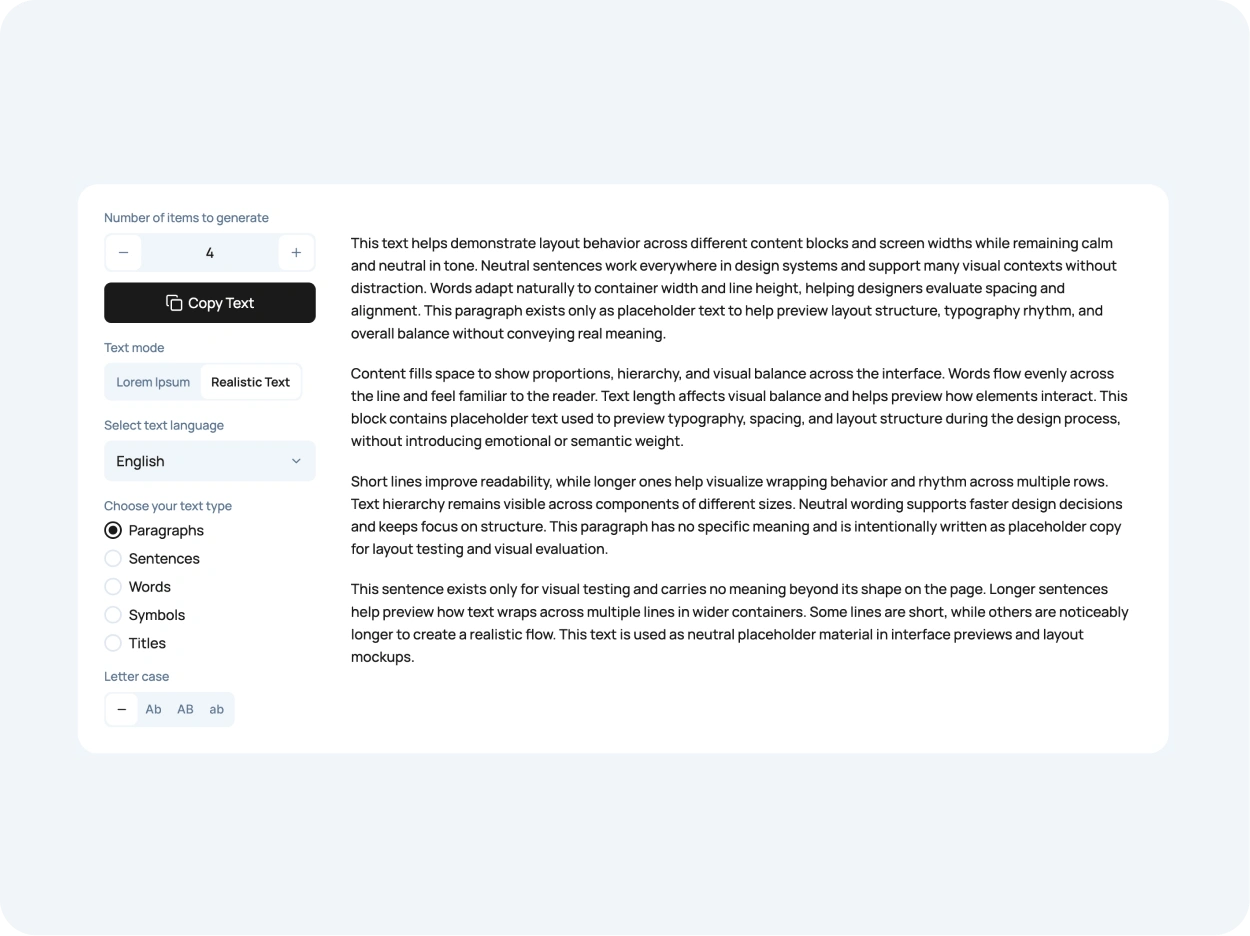
Generate the exact amount of placeholder text you need. Choose paragraphs, sentences, words, titles, or job titles. Use classic Lorem Ipsum or Text with Real Words, select a language, adjust letter case, and copy the result in one click.
Realistic Avatars
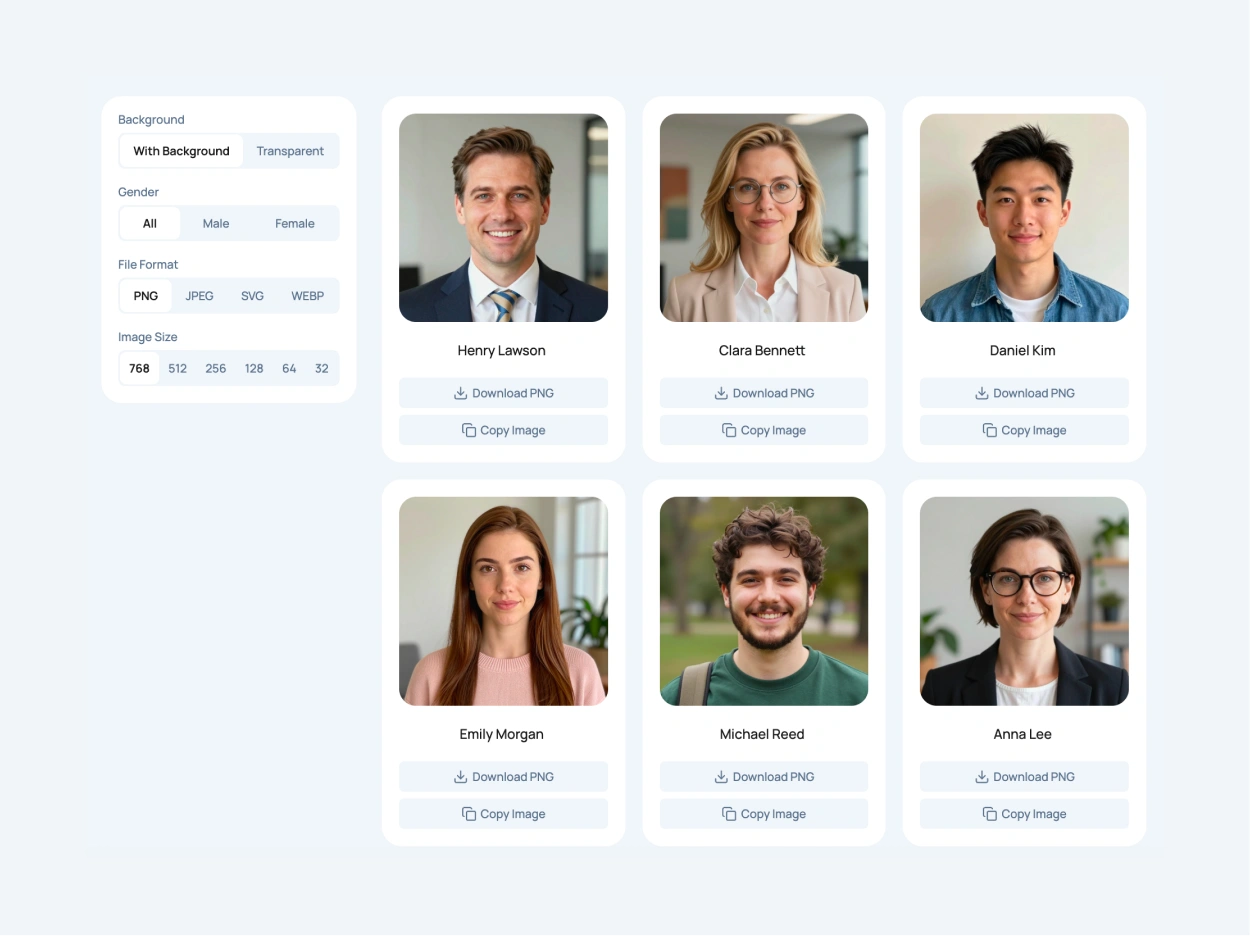
Make your mockups feel more realistic with 90 AI-generated user avatars. Choose from natural-looking faces with different outfits and backgrounds. Copy an avatar and its fictional name in one click, or download the image in PNG, JPEG, SVG, or WebP.
Text Formatting
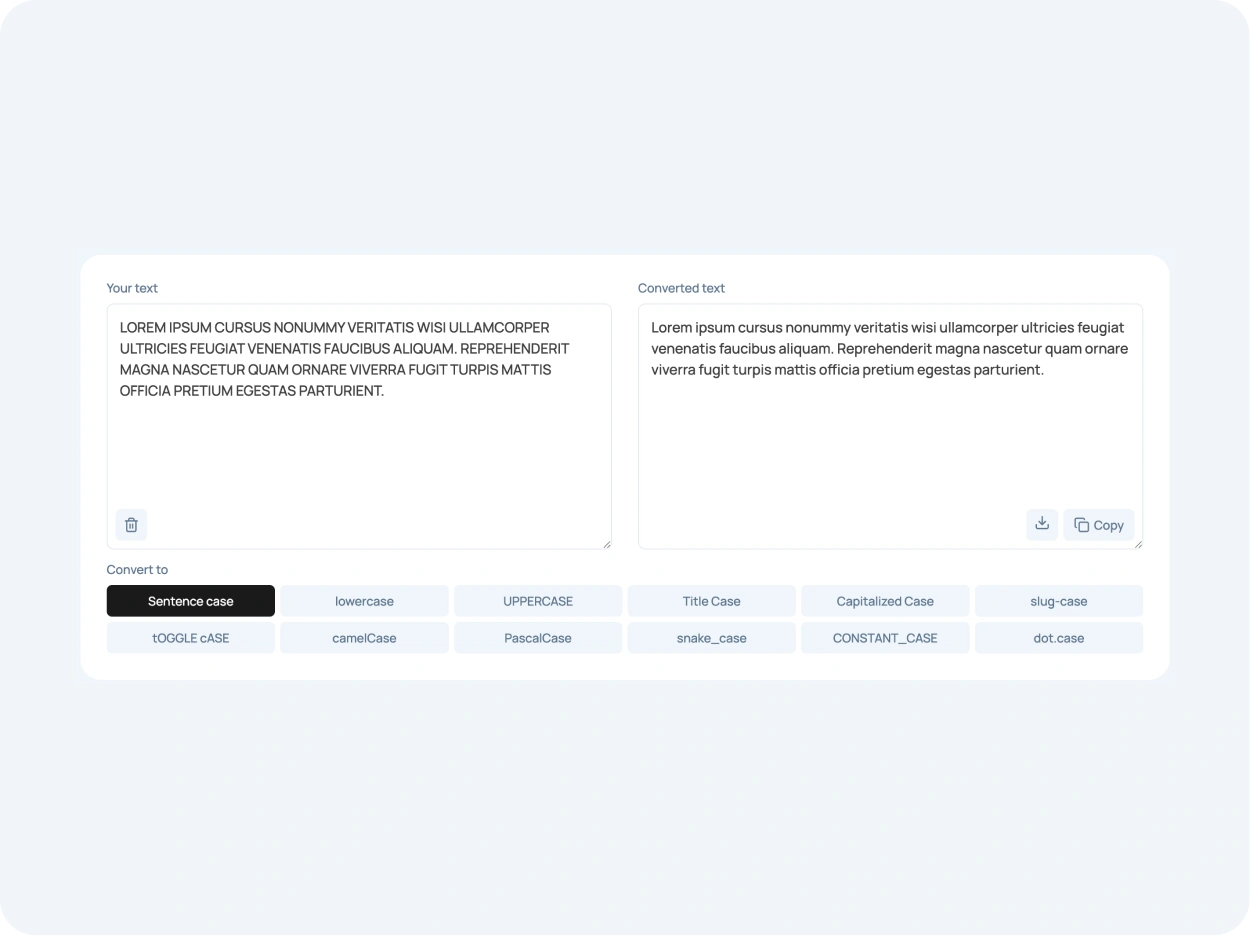
Convert text into the format you need in one click. Use uppercase, lowercase, sentence case, title case, capitalized words, toggle case, camelCase, PascalCase, snake_case, kebab-case, CONSTANT_CASE, and dot.case. Copy the result or download it as a file.
Useful for Mockups, Layouts, Drafts,
and Text Formatting
UI Mockups
Fill interface screens with placeholder text and realistic user avatars. Test profile cards, navigation, spacing, and layouts before real content is ready.
Website Layouts
Add lorem ipsum, dummy text, filler text, or real-word sample text to landing pages, service sections, blog cards, pricing tables, and content blocks.
Wireframes
Use quick sample text to make early structures easier to review. Keep rough layouts readable without spending time writing polished copy too soon.
Design Systems
Test buttons, cards, headings, labels, empty states, and reusable components with different text lengths, formats, and realistic content patterns.
Front-End Testing
Check how text wraps, stretches, overflows, and breaks inside responsive sections, grids, menus, cards, forms, and dynamic content areas.
CMS Draft Content
Prepare temporary content for pages, posts, fields, previews, and reusable blocks before the final copy is approved, uploaded, or edited in the CMS.
Text Formatting
Convert pasted copy into clean formats for headings, labels, filenames, URLs, variables, buttons, navigation items, and structured content.
Client Previews
Make client previews feel more complete with sample text and natural-looking profile pictures. Show how everything fits together before the final content is ready.
One Place for Text Tools
& Design Resources
LoremKit keeps everyday content and design tasks in one place. Copy ready-made lorem ipsum, create placeholder text with real words, generate dummy content, add HTML tags for development, and convert text case. You can also choose realistic user avatars, copy fictional names, and download profile pictures for your mockups. Everything is ready when you need to fill a page, test a UI layout, or prepare content for a website, app, CMS, or design file.
FAQ
Loremkit is used to copy, generate, and format text for everyday design and development work. It includes lorem ipsum, placeholder text, dummy text, filler text, sample text, real-word content options, and case converter tools.
No. Loremkit includes classic lorem ipsum text, but it also offers placeholder content, dummy content, filler text, ready-made text cards, real-word text options, and tools for formatting pasted copy.
Use lorem ipsum when you need neutral text that does not distract from spacing, typography, or visual hierarchy. It is a common choice for layout testing, and you can read more about its history in the lorem ipsum article.
Placeholder text usually means temporary copy placed inside a design until the final content is ready. Dummy text is a broader term for sample content used to test structure, spacing, card height, line breaks, and responsive behavior.
Yes. Some Loremkit tools can create natural placeholder text with real words. This helps when classic filler text feels too abstract, but you still need neutral copy that can be replaced later.
Yes! LoremKit has a collection of 90 realistic AI-generated avatars for websites, apps, and UI mockups. You can copy images and fictional names or download profile pictures in different sizes and formats. Check out our realistic user avatars to get started.
The case converter changes pasted text into formats like uppercase, lowercase, sentence case, title case, camelCase, PascalCase, snake_case, kebab-case, CONSTANT_CASE, and dot.case. These formats are based on common letter case patterns.
Yes. Loremkit lets you copy a single item when you only need one paragraph, sentence, headline, list, FAQ item, testimonial, or contact detail. You can also copy all text blocks at once when you need a full set.
No. Loremkit works directly in the browser. Open the text tool you need, choose the content type or format, copy the result, and continue working without creating an account or installing extra software.