
Fix messy text
Clean sentence case
Copy or download result

Sentence Case Converter Online

Change text to sentence case instantly. Paste ALL CAPS, messy text, headings, paragraphs, or copied content and turn it into clean, readable sentence-style formatting in one click.

Convert to

Sentence case converter example showing sentence case text formatting

What Is Sentence Case?

Sentence case is a text format where the first letter of a sentence is capitalized while the rest of the sentence stays in normal lowercase style. It is commonly used for paragraphs, descriptions, emails, notes, articles, and readable content blocks.

A sentence case converter helps you clean up messy capitalization without rewriting the text manually. Paste your content, choose sentence case, and get a cleaner result that feels easier to read.
When Should You Use Sentence Case?

Sentence case is useful when you want text to look natural, simple, and readable. It works well for paragraphs, product descriptions, emails, help text, website sections, article excerpts, and content that should not look too loud or over-formatted.

You can use sentence case to fix text copied from another source, clean up headings, normalize pasted content, or turn ALL CAPS into a more readable format before editing or publishing.

Sentence Case Converter for Clean Writing

Messy Text Cleanup

Fix inconsistent capitalization in copied text, notes, emails, drafts, and pasted content. Sentence case helps make text look more natural and easier to edit.

ALL CAPS Text

Convert ALL CAPS into readable sentence case when text looks too aggressive, loud, or difficult to read. This is useful for headings, messages, comments, and imported content.

Paragraph Formatting

Use sentence case for paragraphs, descriptions, article previews, content blocks, and regular written text. It helps keep longer content clean and readable.

Website and Content Editing

Clean up website copy, CMS fields, product descriptions, form text, help sections, and content drafts before publishing or sending them to a client.

Change Text to Sentence Case Instantly

Use this tool to change text to sentence case in one click. It works with short phrases, long paragraphs, copied text, headings, descriptions, and larger content blocks.

This is especially useful when you need to fix ALL CAPS, clean inconsistent capitalization, or make messy text easier to read. Instead of manually checking every word, the converter gives you a cleaner sentence-style result instantly.

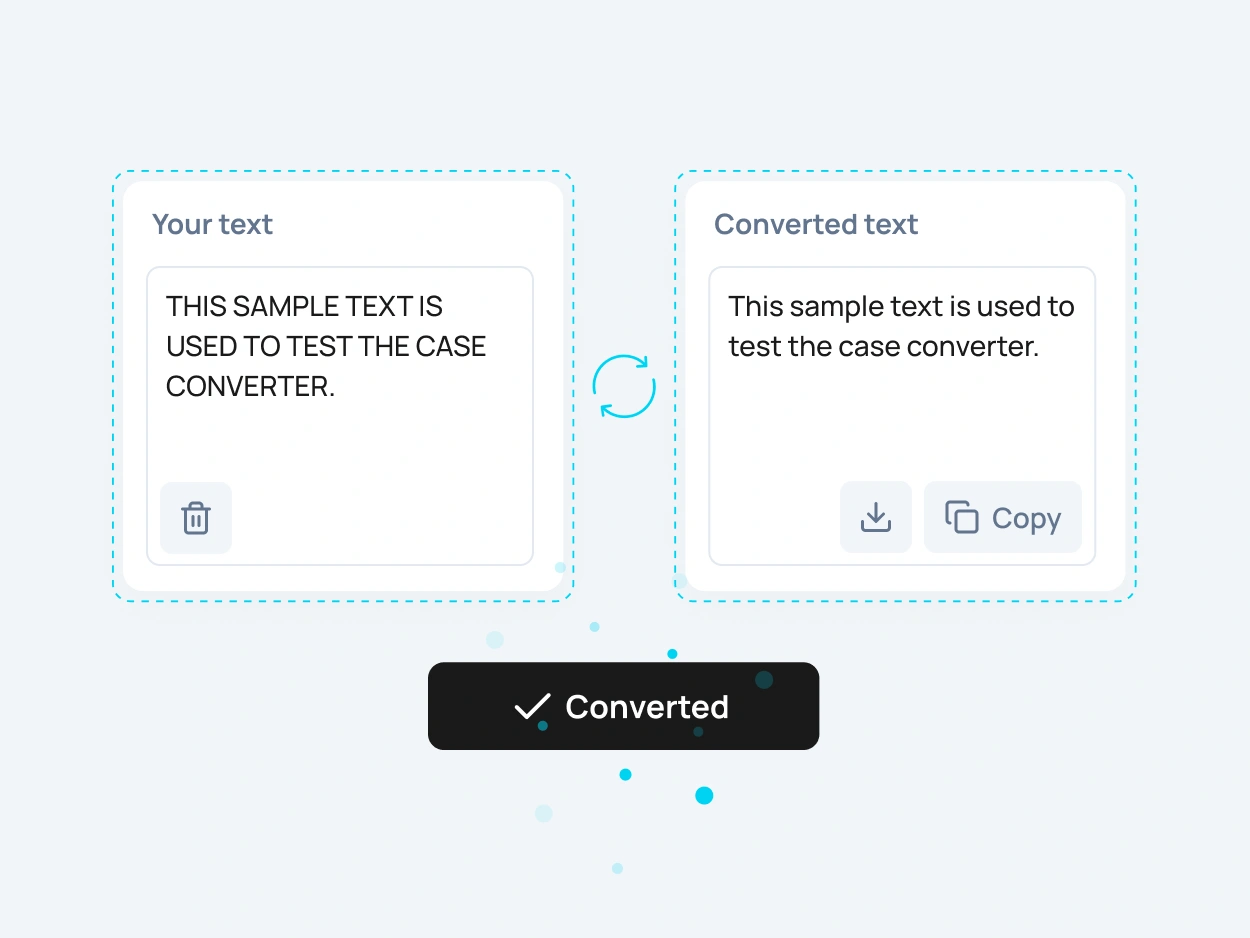
Sentence case converter showing ALL CAPS text changed to sentence case

How to Change Text
to Sentence Case Online

To change text to sentence case online, paste your text into the input field, select the sentence case option, and copy the converted result. The tool updates your text quickly, so you do not need to fix capitalization manually.

This sentence case converter is useful when you need to clean copied text, convert caps to sentence case, fix messy headings, or prepare readable paragraphs for writing, editing, websites, and documents.

More Case Converter Tools

Need another text format? Explore related case converter tools and choose the best option for your content.

lowercase

Use lowercase to convert text into small letters. This is useful when you need to clean up copied text, normalize formatting, or change capital letters to lowercase.

UPPERCASE

Use UPPERCASE when you need strong, bold text for headings, labels, buttons, warnings, system alerts, short messages, or interface elements.

Title Case

Capitalize Words changes the first letter of each word to uppercase. This format is useful for names, labels, short headings, categories, and simple title-style formatting.

Capitalize Words

Capitalize Words changes the first letter of each word to uppercase. This format is useful for names, labels, short headings, categories, and simple title-style formatting.

FAQ

A sentence case converter is an online tool that changes text into sentence case. It helps clean messy capitalization, fix ALL CAPS, and make headings, paragraphs, emails, and copied text easier to read.

Sentence case is a writing style where the first letter of a sentence is capitalized and the rest of the sentence follows normal lowercase formatting. It is related to letter case, which describes uppercase and lowercase letters in written text.

Paste your text into the tool, choose the sentence case format, and copy the converted result. You can change text to sentence case without manually editing every word.

Yes. You can paste ALL CAPS text into the tool and convert it into cleaner sentence case. This is useful for fixing loud headings, copied content, messages, and caps lock mistakes.

Yes. Sentence case is one of the most natural formats for paragraphs, descriptions, emails, notes, help text, and regular written content because it is easy to read.

Yes. Sentence case can be used for simple headings, section titles, labels, and website content when you want a cleaner, less formal style than Title Case.

Sentence case usually capitalizes only the first word of a sentence or heading. Title Case capitalizes the main words in a title, which makes it more suitable for headlines, article names, and page titles.

Yes. You can use this tool to capitalize your sentence and clean up the rest of the text into a readable sentence case format.

You can use this tool to create simple sentence case formatting for headings and references, but it is not a full APA style checker. Always review important academic or citation text manually.

Yes. The sentence case converter is free to use online and does not require registration.

Yes. After converting your text, you can copy the sentence case result and use it in your document, website, CMS, email, design file, spreadsheet, or code editor.

Yes. After you change text to sentence case, you can download the converted result as a text file or copy it instantly for later use.