
Title capitalization
Better headlines
Copy or download result

Title Case Converter Online

Convert text to Title Case instantly. Paste a heading, article title, blog post name, headline, or copied text and create clean title capitalization in one click.

Convert to

Title case converter example showing Title Case text formatting

What Is Title Case?

Title Case is a capitalization style where the main words in a heading or title start with capital letters. It is commonly used for article titles, blog post names, page headings, video titles, book names, email subjects, and headline-style text.

A title case converter helps you format titles faster without checking every word manually. Instead of editing each word one by one, you can paste your text and get a cleaner title-style result for writing, publishing, design, and content editing.
When Should You Use Title Case?

Title Case works best when you want a heading or title to look more polished, structured, and important. It is useful for blog headlines, landing page sections, article names, social media captions, newsletter subjects, document titles, and content previews.

You can also use title capitalization when preparing text for a website, CMS, design mockup, presentation, or marketing layout. It helps important text stand out while keeping the format cleaner than writing everything in uppercase.

Title Case Rules for Headings and Articles

Blog Post Titles

Use title capitalization for blog post titles when you want them to look more editorial, professional, and ready for publishing. It can make article names easier to scan in search results, category pages, and content previews.

Page Headings

Title Case can work well for important page headings, landing page sections, service titles, feature blocks, and hero text. It gives key headings a stronger visual structure without using all capital letters.

Headlines and Captions

Use headline capitalization for news-style headlines, video titles, social media captions, newsletter subjects, and promotional content where the title needs to feel more finished.

Product and Content Names

Title capitalization is also useful for product names, course titles, downloadable resources, presentation slides, templates, and content libraries where consistent naming matters.

Title Case Converter and Title Capitalization Tool

Use this title case converter to turn regular text into properly styled headings and titles. It works with short phrases, long headlines, copied text, article names, product titles, and larger lists of headings.

This title capitalization tool is especially useful when you need consistent formatting across many titles. You can clean up lowercase text, convert messy capitalization, or change all caps to title case before publishing content online.

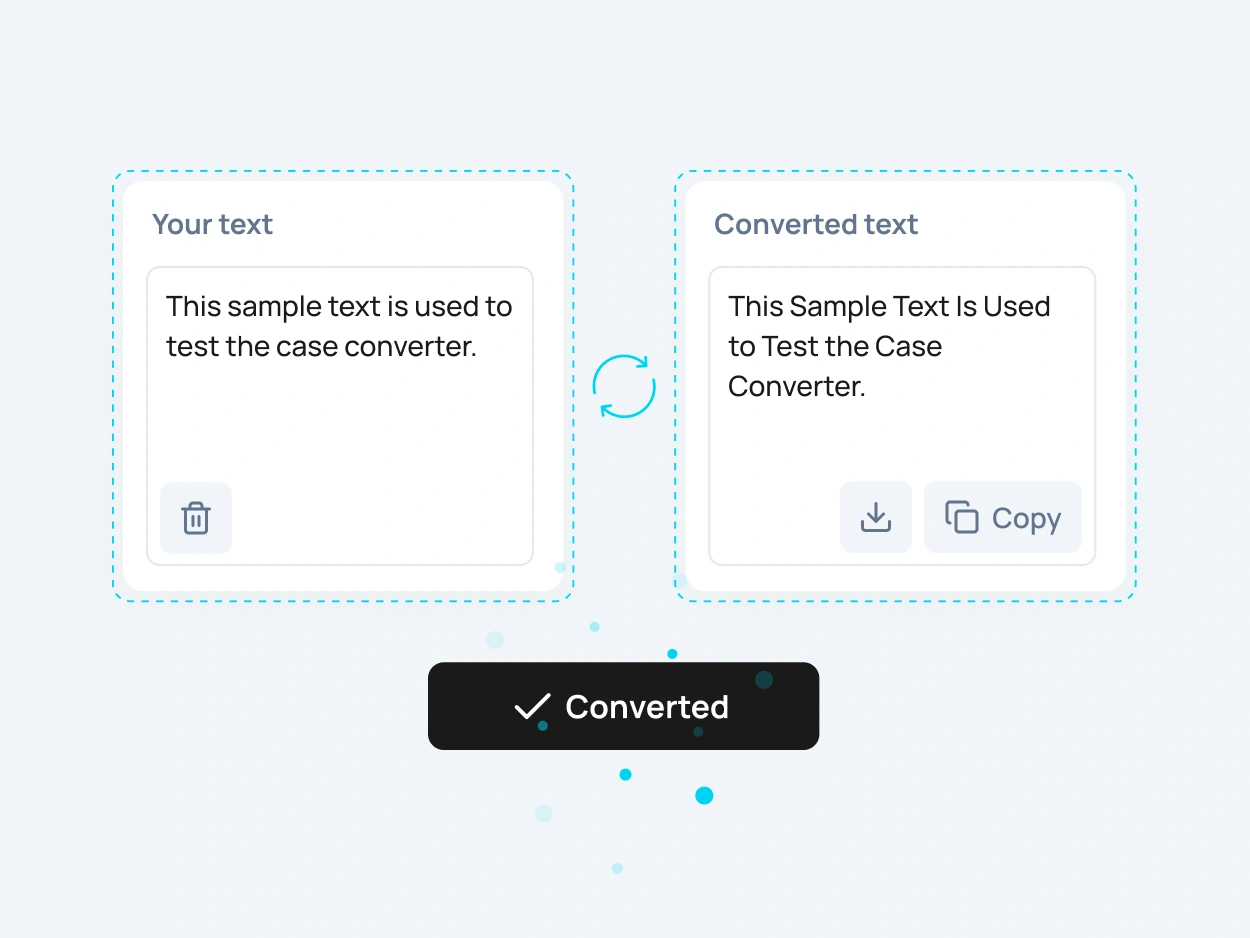
Title capitalization tool showing text converted to Title Case

How to Convert Text
to Title Case Online

To convert text to Title Case online, paste your text into the input field, choose the Title Case option, and copy the converted result. The tool changes your heading or title instantly, so you do not need to capitalize every word manually.

This is useful when you need to format article titles, blog post names, page headings, headlines, captions, email subjects, or copied text. You can also use it to change all caps to title case or clean up inconsistent capitalization before publishing.

More Case Converter Tools

Need another text format? Explore related case converter tools and choose the best option for your content.

lowercase

Use lowercase to convert text into small letters. This is useful when you need to clean up copied text, normalize formatting, or change capital letters to lowercase.

UPPERCASE

Use UPPERCASE when you need strong, bold text for headings, labels, buttons, warnings, system alerts, short messages, or interface elements.

Sentence case

Sentence case makes text easier to read by capitalizing the first letter while keeping the rest of the text in a natural format. It is useful for paragraphs, descriptions, emails, and regular content blocks.

Capitalize Words

Capitalize Words changes the first letter of each word to uppercase. This format is useful for names, labels, short headings, categories, and simple title-style formatting.

FAQ

A title case converter is an online tool that changes text into Title Case. It helps you format headings, article titles, blog post names, headlines, captions, and copied text without capitalizing each word manually.

Title Case is a capitalization style where the main words in a title or heading begin with capital letters. It is one type of letter case, which describes the difference between uppercase and lowercase letters in written text.

Paste your text into the tool, choose the Title Case format, and copy the converted result. You can convert headings, titles, headlines, article names, and copied text in one click.

Title capitalization means applying capital letters to the important words in a title or heading. It is often used for blog titles, article headings, book names, video titles, page headings, and marketing copy.

Yes. This title capitalization tool helps you create cleaner headings, article titles, headlines, captions, and content names by converting regular text into Title Case.

Small words such as “a,” “an,” “the,” “and,” “but,” “or,” “for,” “in,” “on,” “to,” and “with” are often not capitalized in many title styles unless they appear at the beginning or end of the title.

Yes. You can paste all caps text into the tool and convert it to Title Case. This is useful for fixing loud headings, imported content, copied text, and titles that were typed in uppercase.

No. Title Case capitalizes the main words in a heading or title. Sentence case usually capitalizes only the first word of a sentence or heading, making it more natural for paragraphs and regular written text.

Yes. Title Case is commonly used for blog post titles, article names, editorial headings, page titles, and content previews because it makes headings look more polished and structured.

You can use this tool to create a clean Title Case version quickly, but it is not a full AP, APA, or academic style checker. Always review important editorial or citation text manually.

Yes. The title case converter is free to use online and does not require registration.

Yes. After converting your text, you can copy the Title Case result and use it in your document, website, CMS, email, spreadsheet, design file, or code editor.

Yes. After you convert text to Title Case, you can download the converted result as a text file or copy it instantly for later use.