
Instant Uppercase
Clean Text Result
Copy in One Click

Uppercase Converter Online

Convert any text to UPPERCASE instantly. Paste your text, change lowercase to uppercase, and copy a clean result for headings, labels, buttons, titles, messages, or content formatting.

Convert to

What is an uppercase converter for changing text to uppercase

What Is an Uppercase Converter?

An uppercase converter is an online tool that changes text into capital letters. It helps you format headings, labels, buttons, titles, warnings, short messages, and content blocks without editing every letter manually.

Instead of retyping your text, paste it into the tool, choose UPPERCASE, and copy the converted result instantly. This is useful when you need clean, consistent text formatting for writing, design, websites, documents, or interface elements.
When Should You Use Uppercase Text?

Uppercase text is useful when you want a word, phrase, or short message to stand out. It is commonly used for headings, navigation labels, buttons, badges, warnings, forms, product tags, and call-to-action text.

You can also use uppercase formatting to normalize copied text, prepare short titles, or create stronger visual emphasis in a layout. For readability, uppercase works best for short text rather than long paragraphs.

Uppercase Converter for Writing,
Design and Web Content

Headings and Titles

Change to uppercase for strong headings, section titles, banners, and short content blocks. Uppercase text can make important information easier to notice.

Buttons and Labels

Use upper case formatting for buttons, navigation labels, form labels, badges, and UI elements where short text needs to be clear and visible.

Website and Marketing Text

Convert lower case to upper case for product tags, announcements, promotional labels, call-to-action sections, and short website messages.

Documents
and Editing

Clean up text formatting in documents, notes, spreadsheets, emails, and drafts when you need consistent capital letter formatting.

Convert Lowercase to Uppercase Instantly

Use this tool to convert lowercase to uppercase in one click. It works with single words, short phrases, full sentences, headings, and larger text blocks.

This is especially helpful when you copied text in the wrong format, need to change lowercase to uppercase quickly, or want to create a clean uppercase version for design, publishing, or content editing.

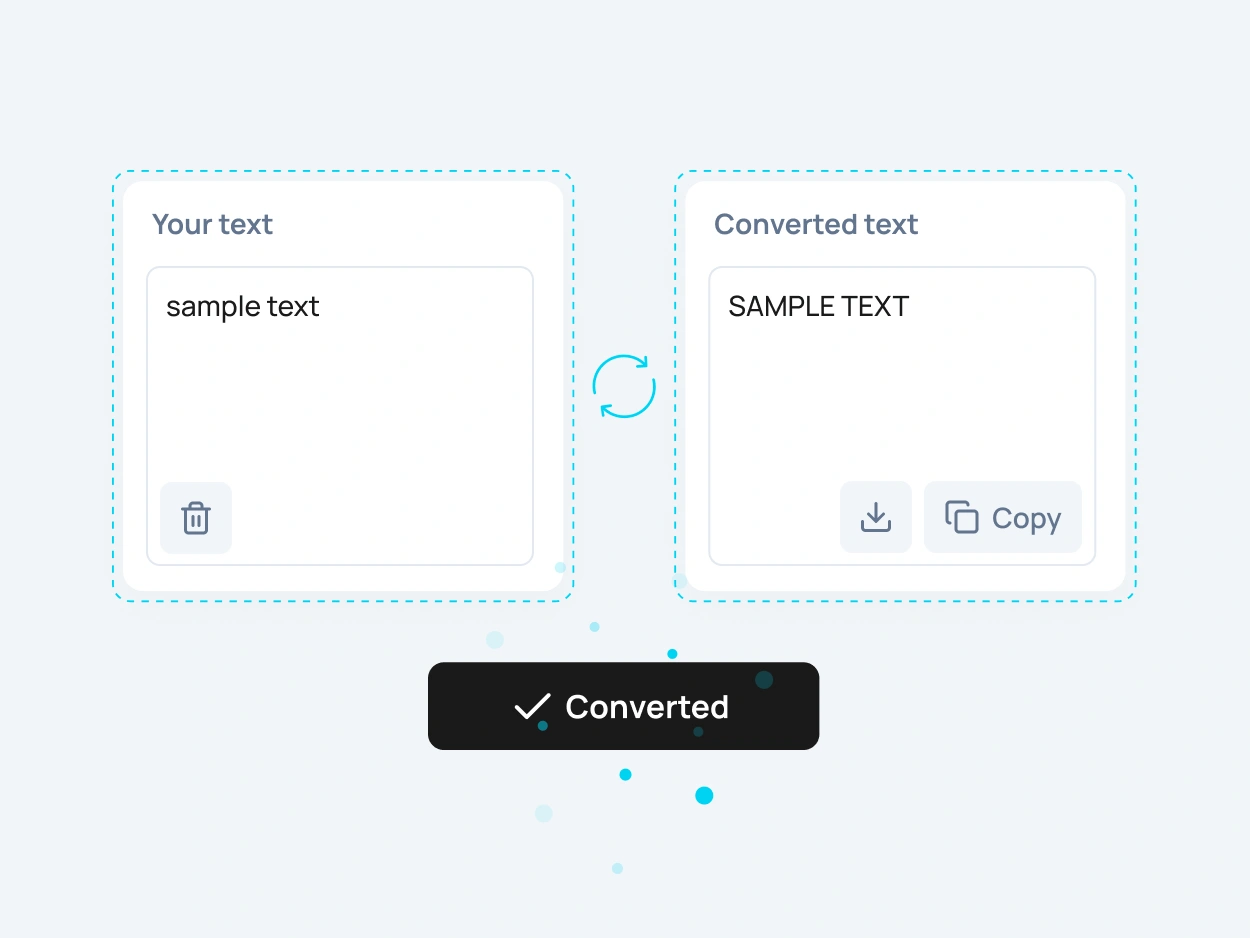
Convert lowercase to uppercase with uppercase converter result

How to Change Text
to Uppercase Online

To change text to uppercase online, paste your text into the input field, select the UPPERCASE option, and copy the result. The converter updates your text instantly and keeps the process simple.

This uppercase converter is useful when you need to convert lower case to upper case, fix inconsistent formatting, or quickly prepare capitalized text for your project.

More Case Converter Tools

Need another text format? Explore related case converter tools and choose the best option for your content.

lowercase

Use lowercase to convert text into small letters. This is useful when you need to clean up copied text, normalize formatting, or change capital letters to lowercase.

Sentence case

Sentence case makes text easier to read by capitalizing the first letter while keeping the rest of the text in a natural format. It is useful for paragraphs, descriptions, emails, and regular content blocks.

Title Case

Capitalize Words changes the first letter of each word to uppercase. This format is useful for names, labels, short headings, categories, and simple title-style formatting.

tOGGLE cASE

Toggle case switches uppercase letters to lowercase and lowercase letters to uppercase. It is useful for playful text effects, creative formatting, or quickly reversing letter case.

FAQ

An uppercase converter is an online tool that changes text into capital letters. It helps you convert words, sentences, headings, labels, and short messages to UPPERCASE instantly.

Paste your text into the tool, choose the UPPERCASE format, and copy the converted result. You can change to uppercase without manually editing each letter.

Yes. You can convert lowercase to uppercase instantly using this tool. It works with words, sentences, paragraphs, headings, and copied text.

Yes. Upper case and uppercase usually mean the same thing: text written with capital letters. For example, “sample text” becomes “SAMPLE TEXT”.

Uppercase text is best for short content such as headings, labels, buttons, warnings, product tags, and call-to-action text. Long uppercase paragraphs can be harder to read.

Yes. This tool can convert lower case to upper case in one click, making it useful for formatting titles, labels, messages, and website content.

Yes. The uppercase converter is free to use online and does not require registration.

Yes. After converting your text, you can copy the uppercase result and use it in your document, website, design file, CMS, email, or code editor.

Yes. After you change text case, you can download the converted result as a text file or copy it instantly. This is useful when you want to save uppercase, lowercase, title case, sentence case, or other converted text for later use.