

SEO-friendly slugs
Hyphen-separated text
Copy or download result

Slug Case Converter Online

Convert text to slug-case instantly. Paste a title, phrase, heading, filename, or copied text and create clean hyphen-separated words for URLs, slugs, labels, and web projects.

Convert to

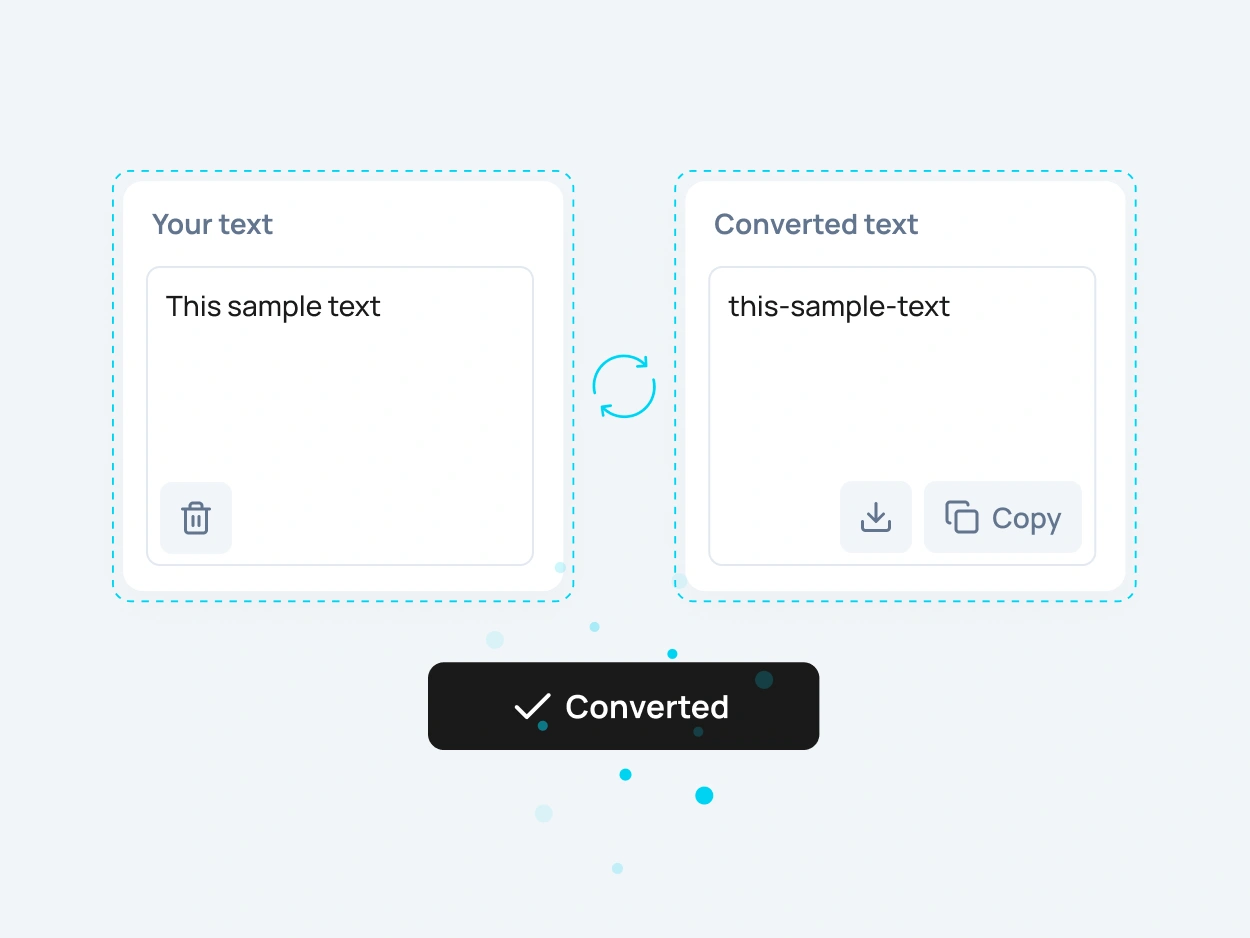
Slug case converter example showing slug-case and kebab-case text formatting

What Is Slug Case?

Slug case is a text format where words are usually lowercase and separated by hyphens. It is commonly used for website URLs, page slugs, blog post links, filenames, product paths, and other web-friendly text formats.

A slug case converter helps you turn regular text into a cleaner URL-ready format. Instead of replacing spaces, removing extra characters, and fixing capitalization manually, you can paste your text and create a neat slug-style result in one click.
When Should You Use Slug-Case?

Slug-case is useful when text needs to be clean, readable, and safe for URLs or file paths. It works well for blog post URLs, landing page slugs, product pages, documentation links, category paths, filenames, anchors, and simple technical labels.

You can also use slug-style formatting when you want words to stay easy to read while removing spaces. Hyphen-separated text is common in websites because it looks cleaner than long strings of words joined together.

Slug-Case for URLs, Files and Web Projects

SEO-Friendly URLs

Create cleaner URL slugs for blog posts, pages, landing pages, product pages, and categories. A readable slug can make your links easier to understand before someone even opens the page.

Blog Post and Page Slugs

Turn article titles, page names, and headings into simple slug-style text. This is useful when preparing new posts, service pages, documentation, resources, or content hubs.

Filenames and Assets

Use slug-case for image names, downloadable files, templates, documents, icons, and design assets. Hyphenated filenames are often easier to organize, share, and reuse across web projects.

Developer-Friendly Labels

Kebab-case is also useful for routes, CSS class names, package names, folder names, IDs, and technical labels where spaces should be avoided.

Slug Case Converter and Kebab Case Converter

Use this slug case converter to change titles, headings, phrases, and copied text into a clean hyphen-based format. It can help you create readable slugs for pages, posts, files, categories, and other structured content.

This kebab case converter is also useful for developers, SEO editors, content managers, and WordPress users who need consistent hyphen-separated text. You can quickly turn normal text into slug-case or kebab-case before adding it to a website, CMS, code project, or file system.

Slug case converter showing text changed to slug-case for SEO-friendly URLs

How to Convert Text
to Slug Case Online

To convert text to slug case online, paste your text into the input field, choose the slug-case option, and copy the converted result. The tool turns spaces into hyphens and creates a cleaner format for URLs, filenames, labels, and web content.

This is useful when you need to prepare SEO-friendly URLs, create page slugs, clean copied titles, generate kebab-case text, or format names for a website, CMS, code editor, or file system.

More Case Converter Tools

Need another text format? Explore related case converter tools and choose the best option for your content.

camelCase

camelCase removes spaces and joins words while keeping the first word lowercase and capitalizing the next words. It is commonly used in JavaScript, variables, functions, and code.

PascalCase

PascalCase capitalizes every word and removes spaces between them. It is commonly used for class names, components, types, and structured naming in development.

snake_case

snake_case converts text into lowercase words separated by underscores. It is useful for database fields, filenames, variables, API keys, and technical naming.

dot.case

dot.case separates words with dots. It can be useful for structured names, namespaces, technical labels, file-style naming, or custom formatting patterns.

FAQ

A slug case converter is an online tool that turns regular text into slug-case. It helps you create lowercase, hyphen-separated text for URLs, page slugs, filenames, labels, and web projects.

Slug-case is a format where words are usually lowercase and separated by hyphens. For example, “This Sample Text” becomes “this-sample-text”. It is commonly used for URLs, filenames, and web-friendly text.

Paste your text into the tool, choose the slug-case format, and copy the converted result. You can convert headings, titles, phrases, filenames, and copied text into slug-case in one click.

Yes. Slug-case is useful for SEO-friendly URLs because it creates readable links with words separated by hyphens. A clean slug can make a page URL easier to understand for users and search engines.

A URL slug is the readable part of a web address that usually identifies a specific page or post. It is often written with lowercase words and hyphens. You can read more about clean URLs.

A kebab case converter changes text into kebab-case, where words are separated by hyphens. This format is common in coding, routing, filenames, package names, and technical labels.

They often look the same because both use hyphen-separated words. Slug case is usually used for URLs and SEO content, while kebab case is often used in development and technical naming.

Yes. You can use this tool to create cleaner slugs for WordPress posts, pages, categories, tags, custom post types, and landing pages before adding them to your website.

Yes. Slug-case works well for image names, document names, downloads, templates, icons, and other files because it avoids spaces and keeps names easier to read.

Yes. Paste a heading, title, or phrase into the tool and convert it into slug-case. This is useful for page URLs, blog post slugs, anchors, filenames, and content organization.

Hyphens are commonly used for readable URL slugs because they separate words clearly. Underscores are more common in formats like snake_case, which is often used for variables, database fields, and technical names.

Yes. The slug case converter is free to use online and does not require registration.

Yes. After converting your text, you can copy the slug-case result and use it in your website, CMS, WordPress editor, code editor, spreadsheet, filename, or documentation.

Yes. After you convert text to slug-case, you can download the converted result as a text file or copy it instantly for later use.